The Official PM Surya Ghar Website & App
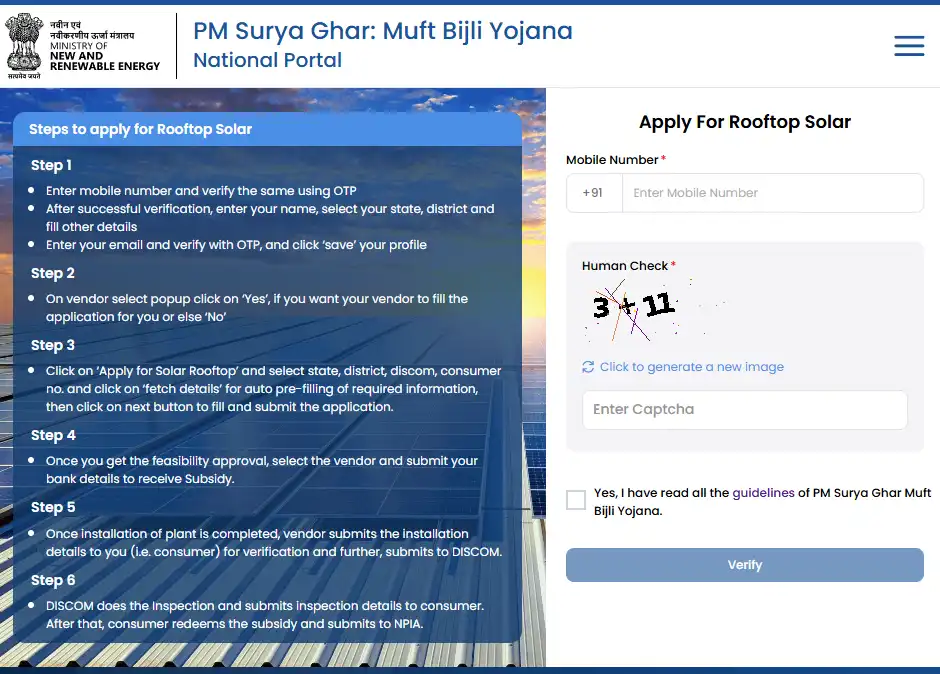
To ensure a seamless and completely transparent user experience, the government operates a centralized digital infrastructure for the PM Surya Ghar Yojana in 2026.
Official Website: The only authorized portal is
pmsuryaghar.gov.in. Users must be cautious of fraudulent websites and only use the
official .gov.in domain for applications and tracking.
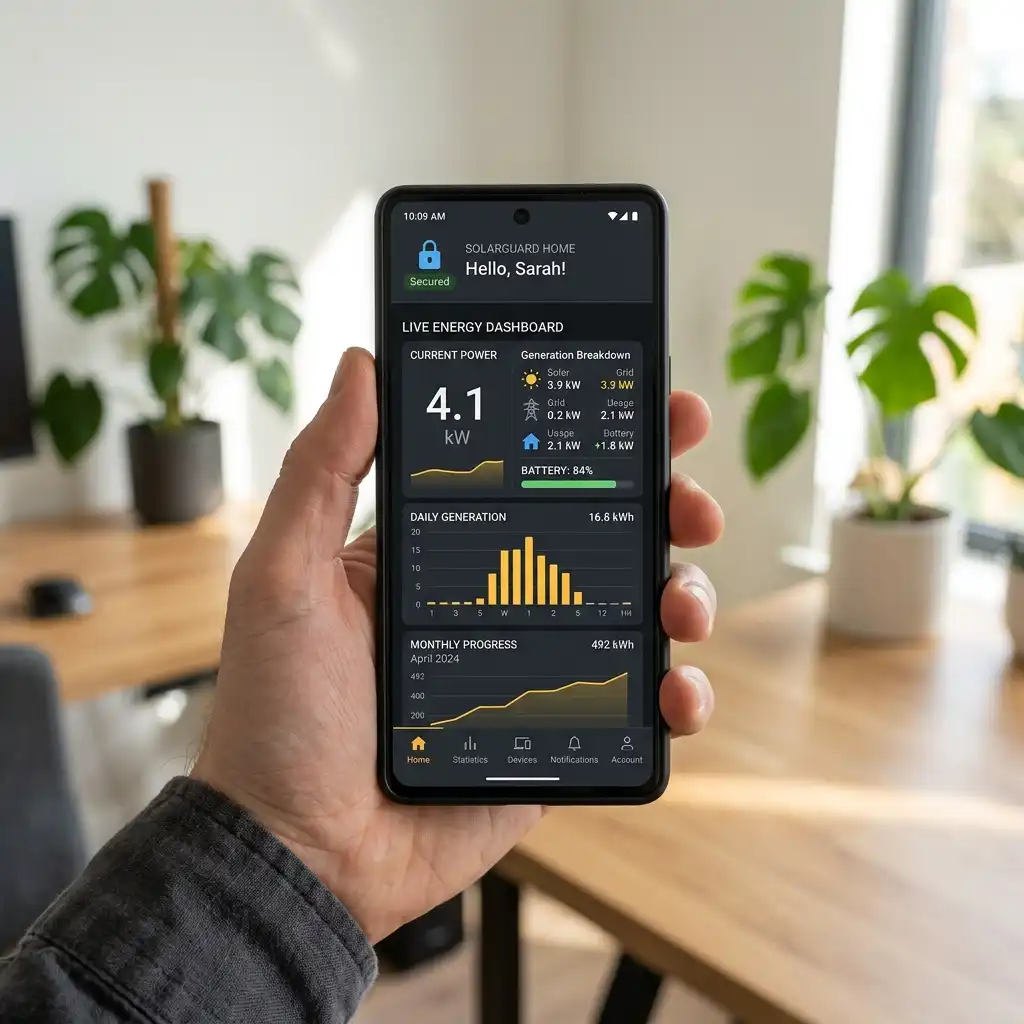
PM Surya Ghar App: The Ministry of New and Renewable Energy has also launched a dedicated mobile application available on the Google Play Store and Apple App Store. The app allows users to register, track applications, upload documents, and locate nearby empaneled vendors right from their smartphones.
PM Surya Ghar Login (Consumer Portal)
Once you are registered, you can access your personalized dashboard via the Consumer Login section on the portal or app.
You can securely log in using your Registered Mobile Number and an OTP, or via your Consumer Number.
From the login dashboard, consumers can check their application status, communicate with local DISCOMs, accept vendor quotations, and initiate their final subsidy claims.
Understanding the PM Surya Ghar Vendor List
Critical Rule: Consumers *must* select a vendor from the official PM Surya Ghar Vendor List to be eligible for the ₹78,000 subsidy. Hiring an unregistered local electrician will permanently void your subsidy eligibility.
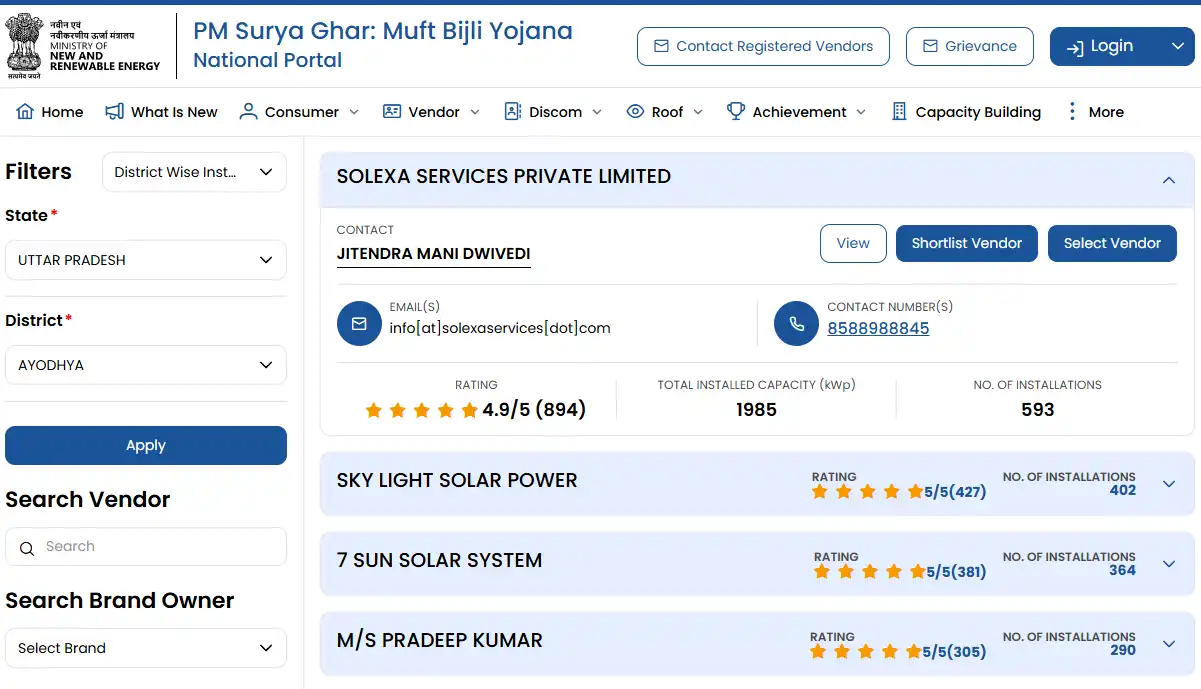
Upon receiving technical feasibility approval from your DISCOM, a curated list of empaneled vendors for your specific state and district will become visible directly inside your consumer dashboard.
You can use the portal to compare ratings, read reviews, and request quotes from multiple verified vendors before finalizing your choice.
How to Track PM Surya Ghar Application Status
Tracking the progress of your solar rooftop application is crucial. The national portal provides real-time status updates at every stage of the journey. Here are the 8 status phases you will see:
1. Submitted
Your application has been sent to the DISCOM.
2. Feasibility Approved/Rejected
Technical review completed by DISCOM engineers.
3. Vendor Assigned
You have successfully selected an empaneled vendor.
4. Installation Complete
Vendor has updated the physical installation details on the portal.
5. Inspection Pending
Awaiting DISCOM engineer's visit for net metering.
6. Commissioned
The system is officially active and generating power.
7. Subsidy Processing
Your final subsidy claim has been submitted.
8. Subsidy Disbursed
The ₹78,000 has been successfully credited to your bank account via DBT.